Frequencies
in tune with your world.

Blend tones, ambient sounds, and visualizations to create your own listening sessions.

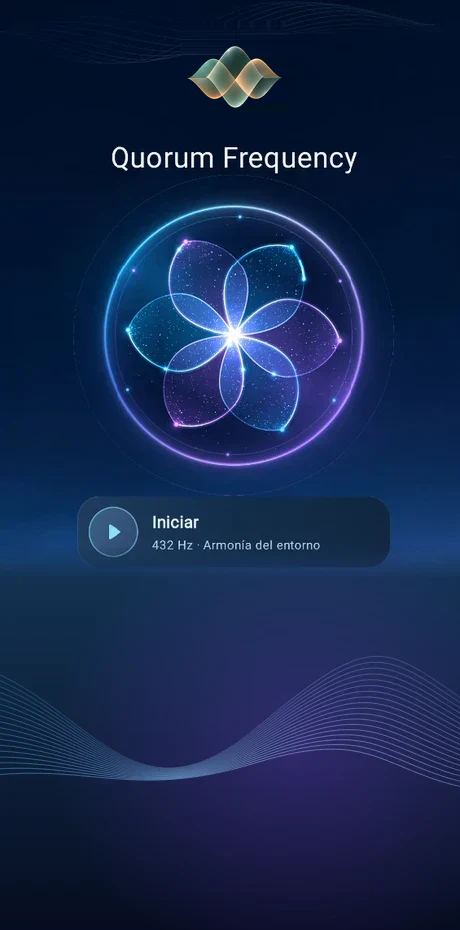
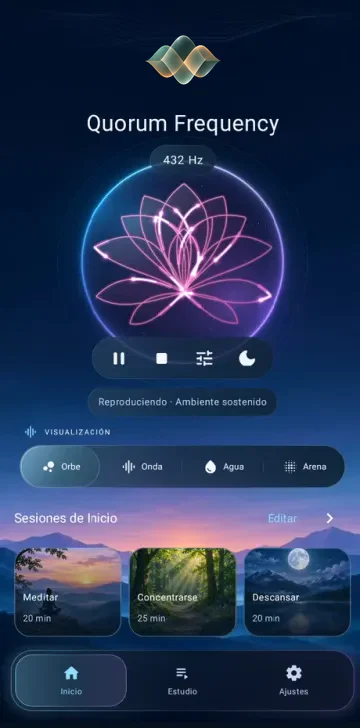
Quorum home screen showing the orb and the 432 Hz tone.

Sound takes shape.

Play a tone and see how each visualization changes between 417 and 432 Hz.

Demo tone

432 Hz

10 s per demo

Visualization

Paused
25%
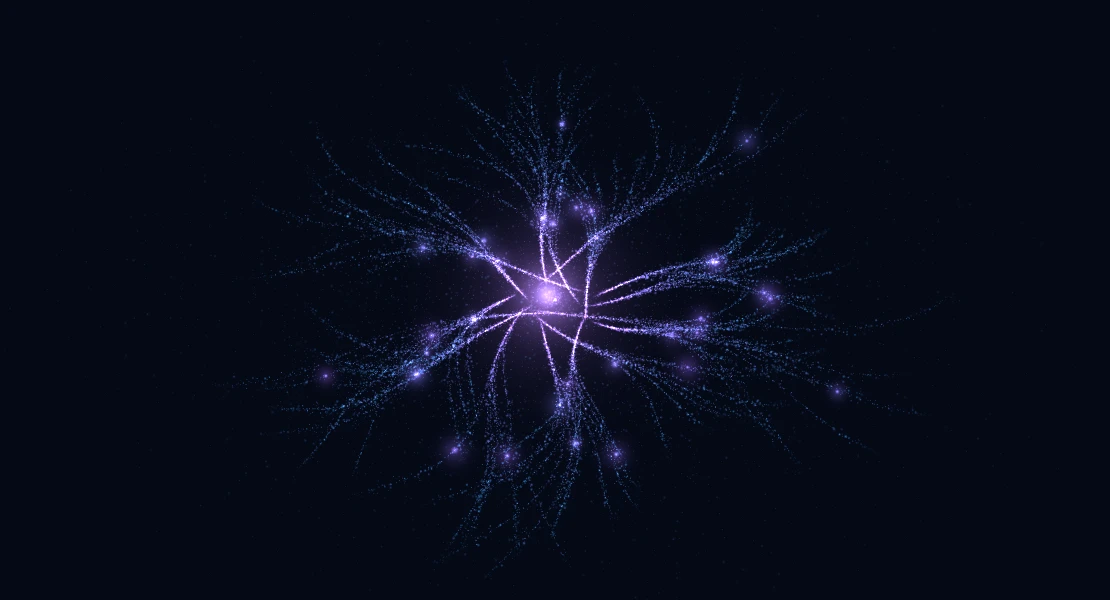
OrbBands of light travel across the surface of a sphere.

From a tone to a session.

  1. Choose a tone

    Pick a frequency as the starting point for your session.

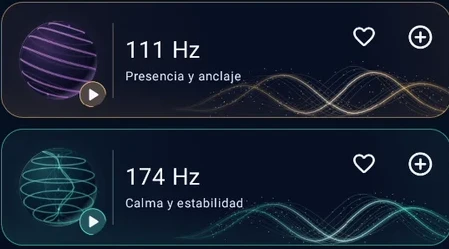
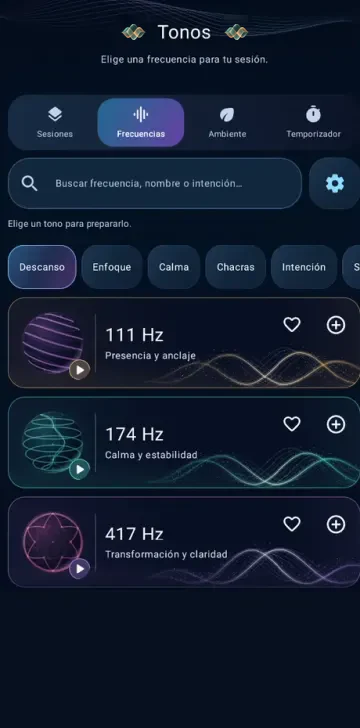
    Quorum’s frequency library showing the 111 and 174 Hz tones.
  2. Layer in ambience

    Add rain, ocean waves, or another background sound and adjust each layer.

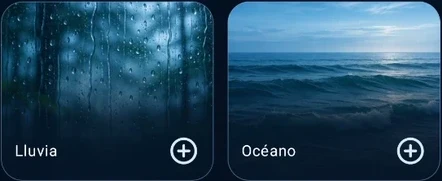
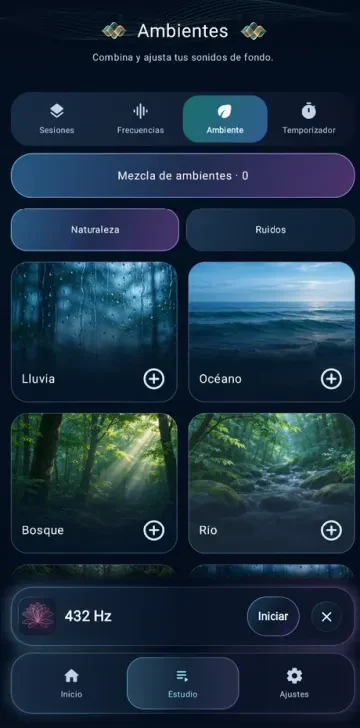
    Quorum’s ambient sound library showing Rain and Ocean.
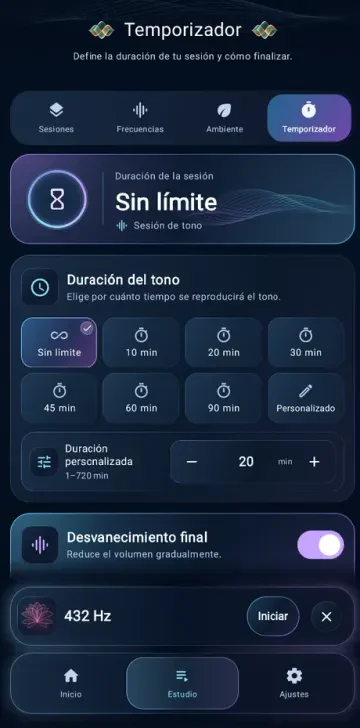
  3. Set a timer

    Choose how long to listen and how you want the audio to end.

    Quorum’s timer duration settings.

Sound
transforms.

Try the visualizer

Create your own soundscape.

Listen to ten seconds of rain or ocean waves, with a tone if you like. In the app, you can mix more sounds and adjust each layer.

Ocean
Ocean sample

10 s sample

Rain
Rain sample

10 s sample

Forest
River

Your session, at your pace.

Visualizations

See how sound changes shape in the demo.

Frequencies

Try two Quorum tones in the demo.

Ambience

Mix sounds like rain and ocean waves.

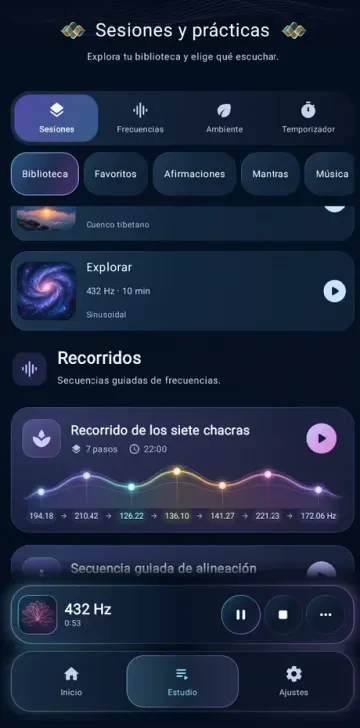
Sessions

Explore the Quorum library and return to your favorites.
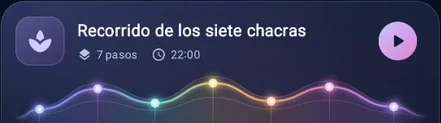
Seven Chakras Journey session, with seven steps and a duration of 22 minutes.

Timer

Set the duration and let the audio fade out at the end.
Your space for sound,
wherever you are.

Quorum Frequency for Android and iOS.

Google PlayComing soon
App StoreComing soon
Listen again